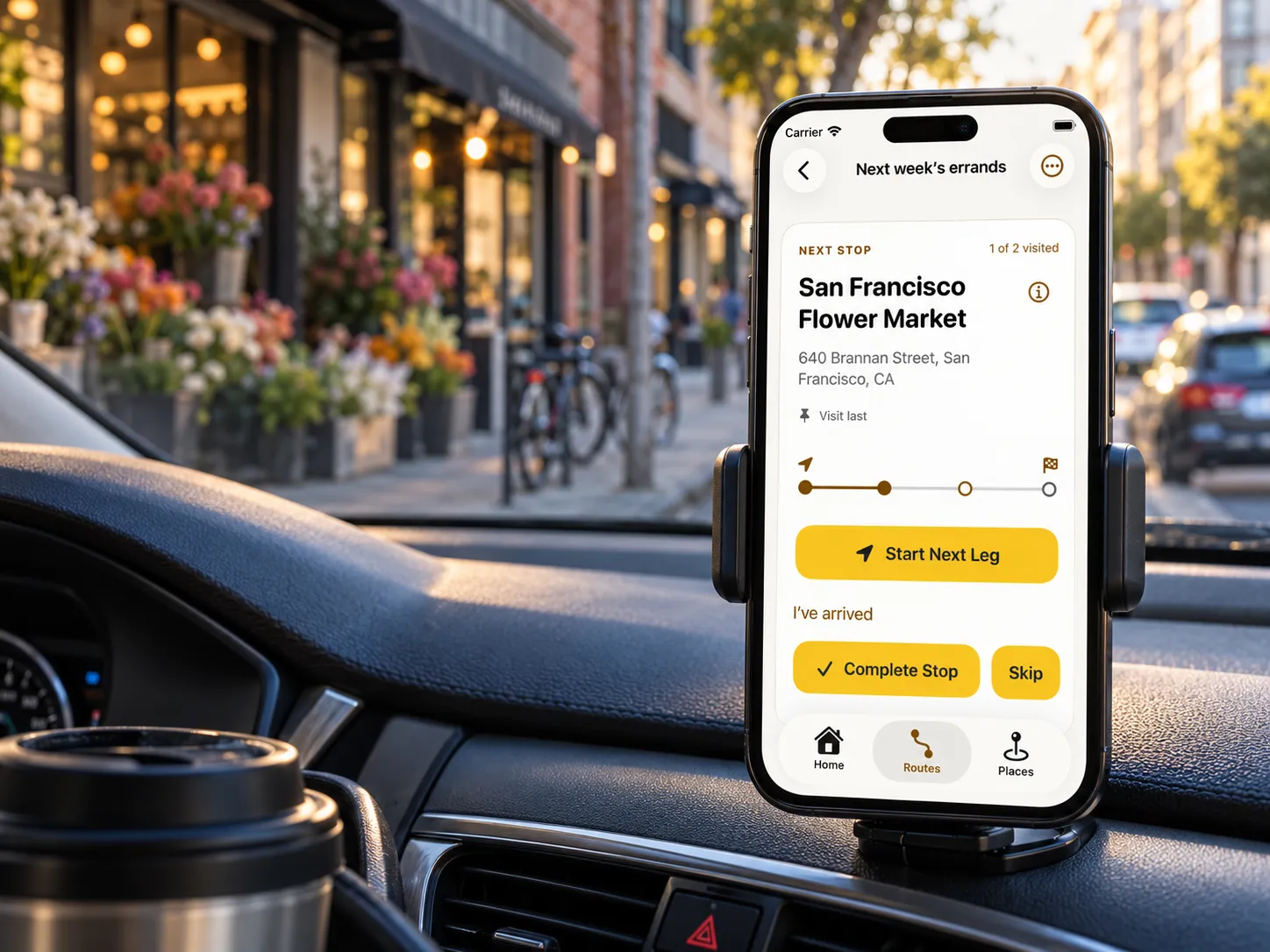
Plan the drive around your day. Put errands, appointments, and customer visits in an efficient order, with time for each stop.
Plan in Radar Route · Navigate with Apple Maps

A quick pickup, a longer customer visit, an errand across town. Radar Route considers driving, time at each stop, and waiting together to find an efficient order for the whole outing.

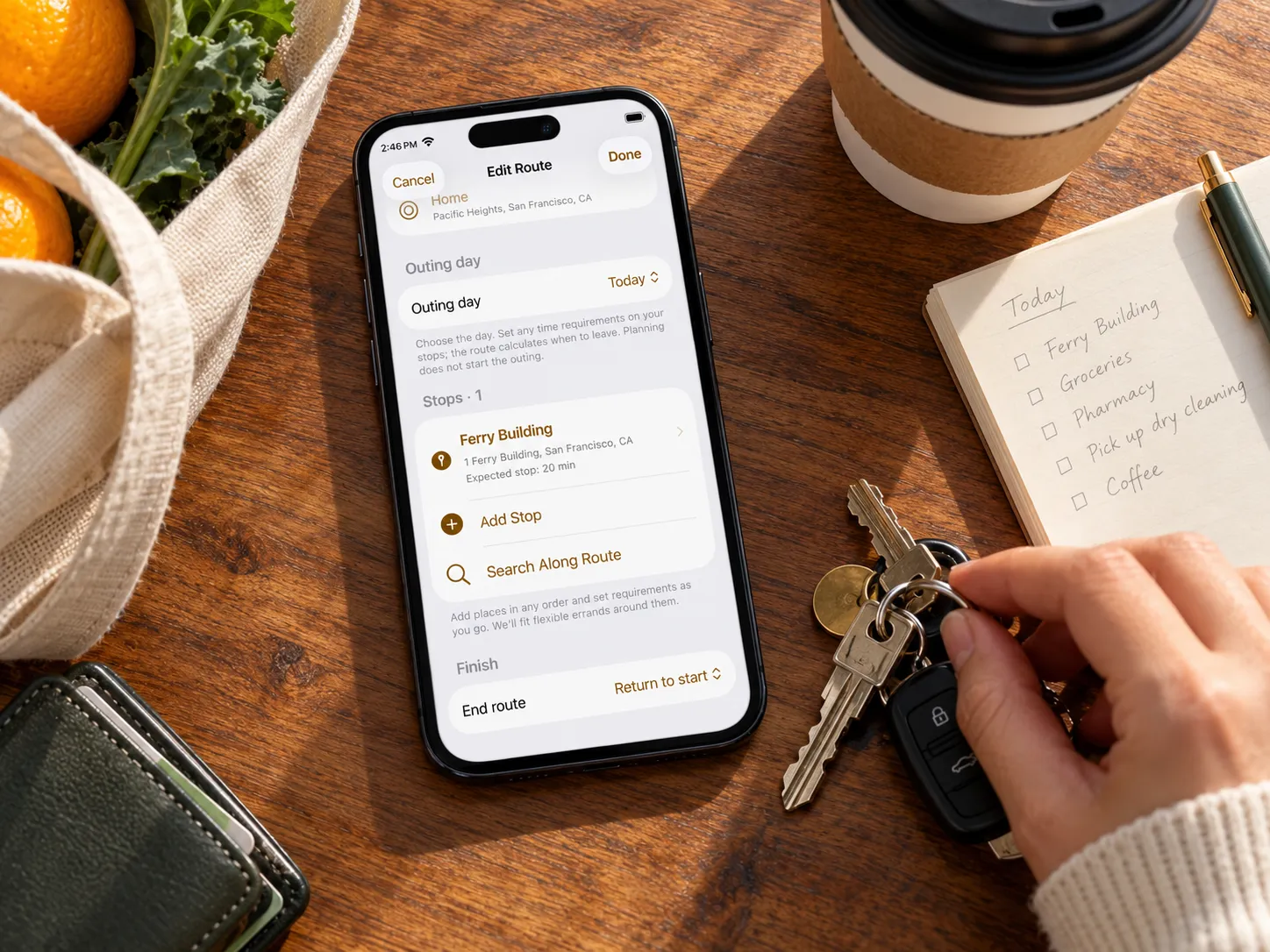
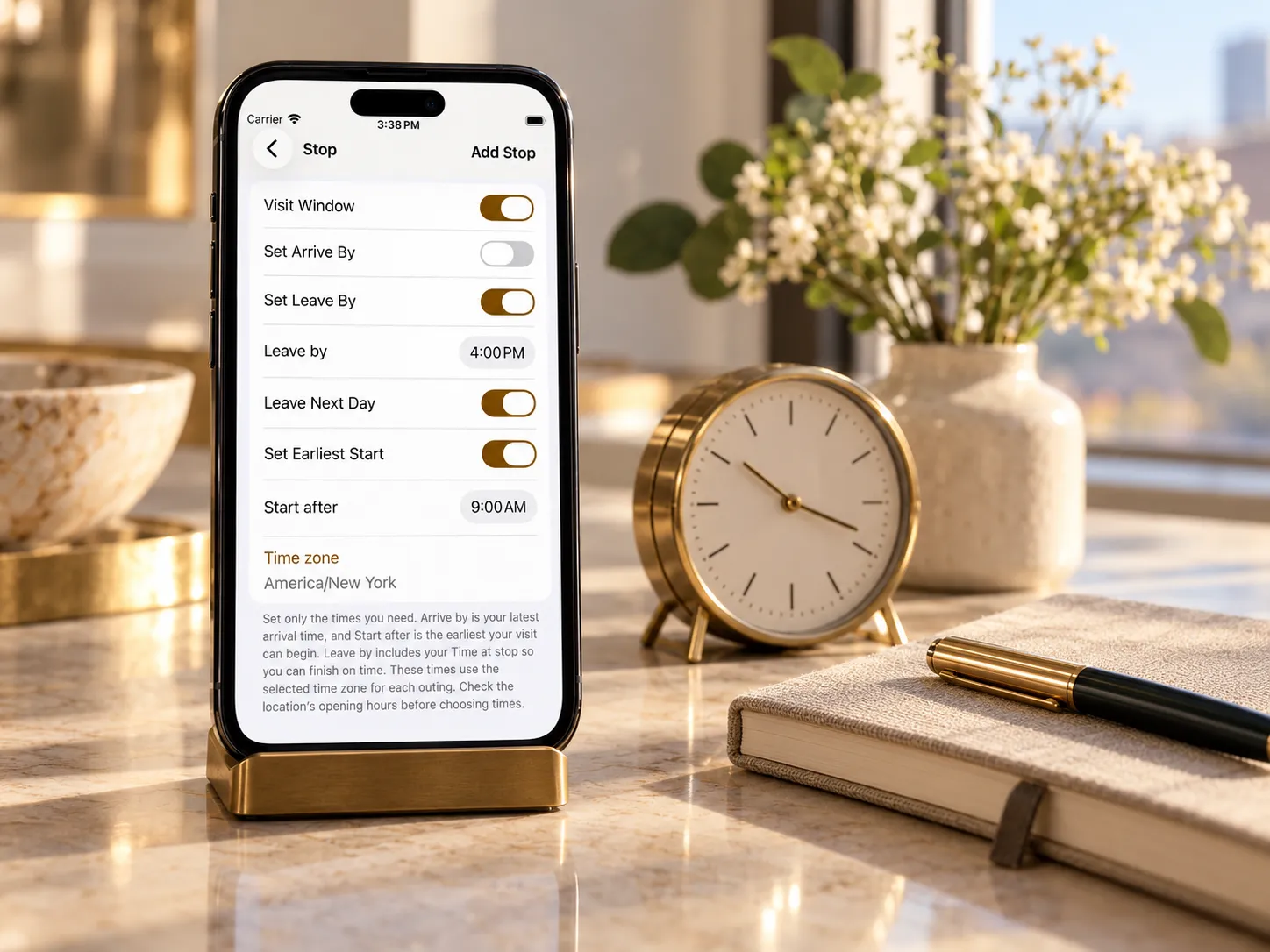
An appointment sets the arrival time. A customer visit needs an hour. A pickup has to happen after another stop. Put those needs into the plan so the route can account for them together.

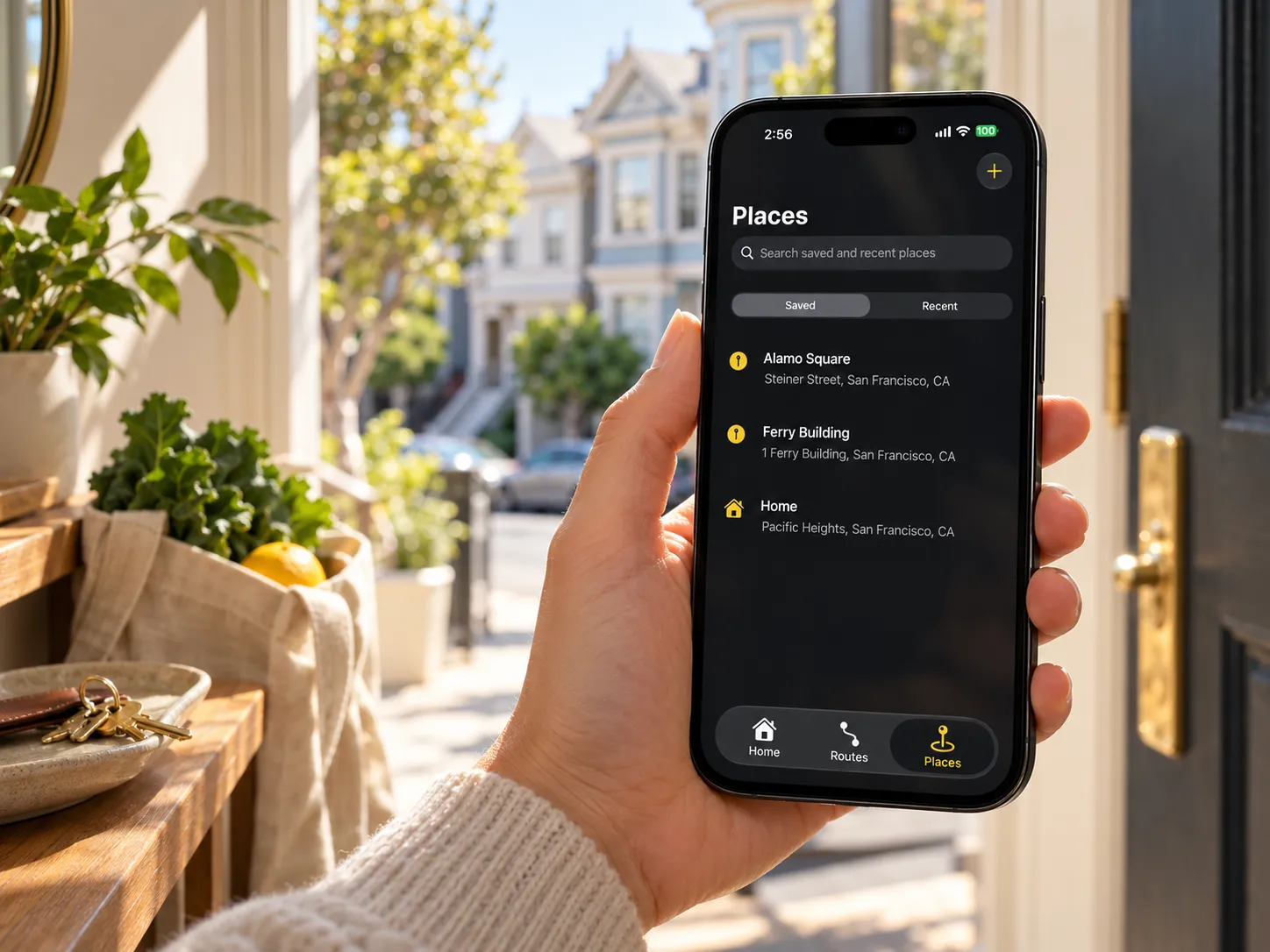
Bring together places you know and ones you need to find. Search Apple Maps, choose from saved or recent places, or use an address from Contacts when you enable access.

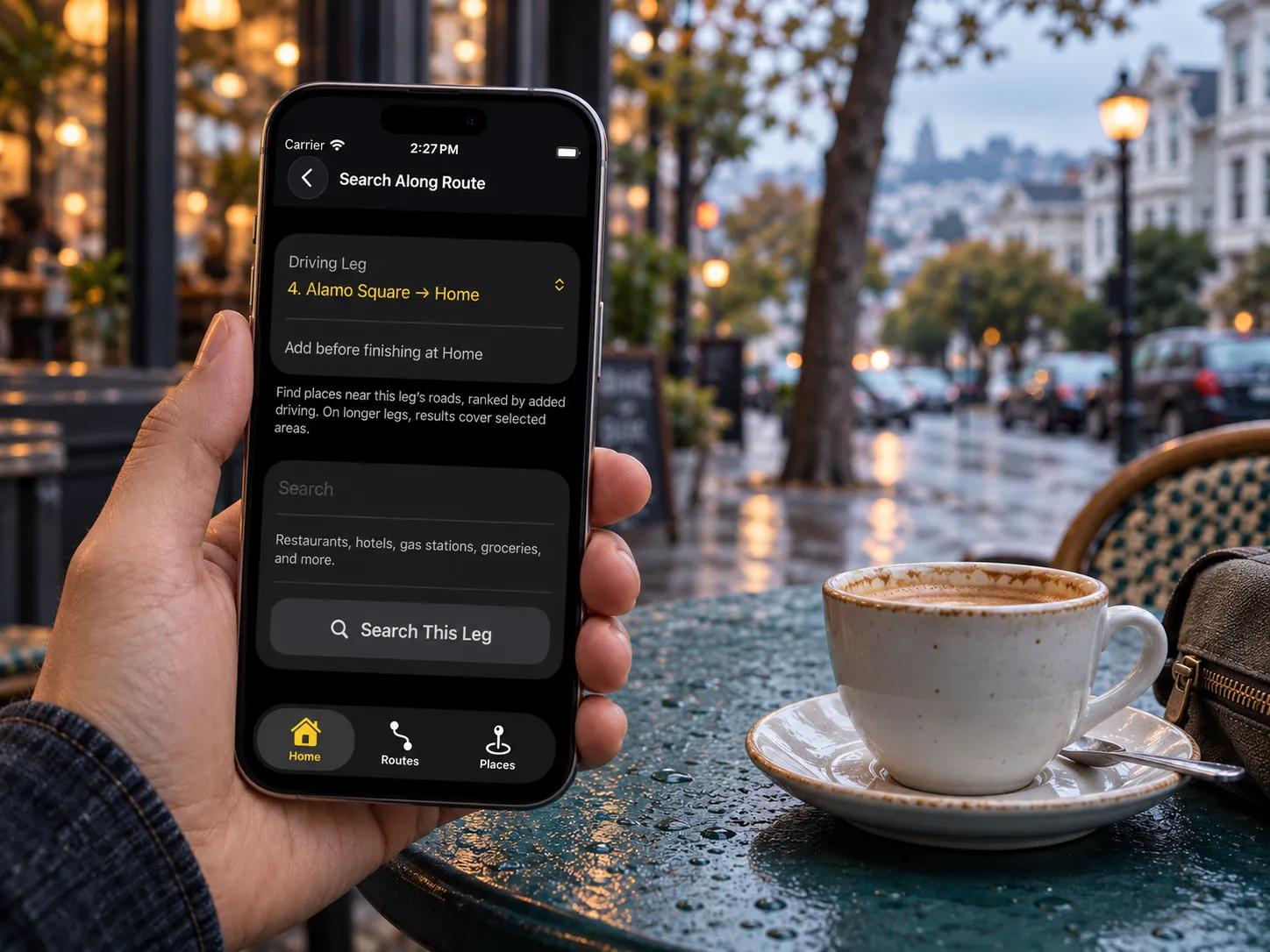
Need coffee or fuel between visits? Search along a driving leg and compare suggestions by the driving time they add, so you can judge the detour before adding a stop.

Your itinerary stays in Radar Route while Apple Maps handles driving directions. Follow progress along a leg you start, record your arrival, and complete the visit when the errand is done.

Keep a regular round of visits ready for another day. Reusing a saved plan creates a separate outing with fresh estimates and progress, while the original stays ready for next time.

Choose your starting point and destinations. Add the time each visit needs, any arrival or departure deadlines, and where you want to finish.
See the proposed order, driving estimates, and any waiting. If requirements cannot all be met, review adjustments before changing the plan.
Start the outing, open directions to the next stop in Apple Maps, and confirm visits as you go. Recalculate the remaining stops when your day changes.
Radar Route is being developed for iPhone with iOS 26 or later. Release timing and pricing are not yet confirmed.
Pricing and release date not yet confirmed
Your stops, the time they need, and the drive between them. In development for iPhone with iOS 26 or later.